The LE code on a Samsung washing machine means the machine has detected a low water level or a possible leak during the cycle, so it stops to protect your floor. This guide explains what the Samsung washing machine LE error means, the checks you can safely do yourself, and the point where you should book a Samsung engineer.
Quick answer: LE means low water level detected, which Samsung also calls a water level or leakage error. It is safe to switch off, check the drain hose height, look for leaks and excess suds, then restart. If water is pooling under the machine or LE keeps returning, stop using it and book a Samsung engineer.
What Does the Samsung LE Error Code Mean?
LE means the washing machine has sensed that the water level inside the drum is lower than it should be, usually because water is escaping. Samsung UK lists LC, LC1, LE and LE1 together under “low water level detected” on its washing machine error codes page, and its advice is to check the drain hose position and look for a leak.
Samsung’s US support describes the same group of codes (LE, LC, 1E, 1C and LC1) as a water level or leakage error: moisture is being detected somewhere it should not be, or the sensor itself has a problem. Which letters appear depends on the model and its display, so check your user manual if your code looks slightly different.
One point causes a lot of confusion online. LE means something different on other brands. LG lists LE as “motor is overloaded and locked” on its washers, so advice written for LG motors does not apply to a Samsung LE code. Samsung also warns that some letters and numbers look alike on its displays, for example 3 and E, or 5 and S, so read the code carefully before you search for it.
What Causes the Samsung Washing Machine LE Error?
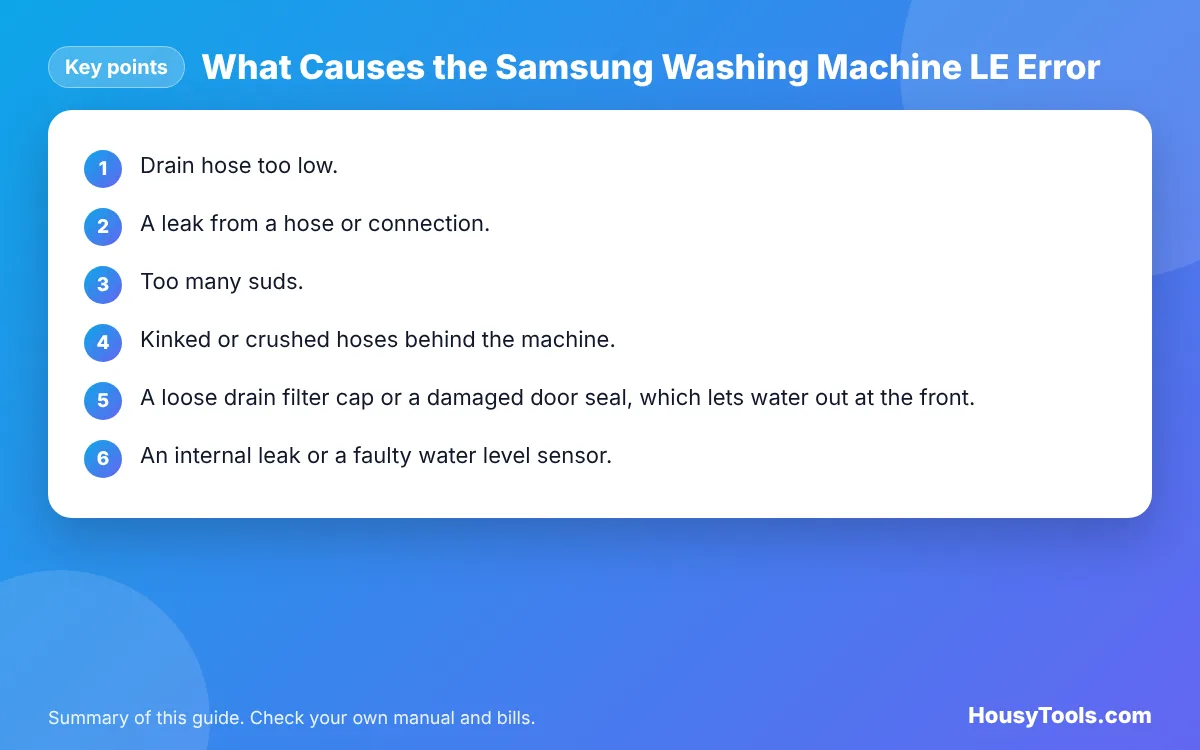
Most LE codes come from water leaving the drum when it should not. These are the usual causes, with the most common first:
- Drain hose too low. If the end of the drain hose sits lower than the base of the machine, water can siphon out during the wash. The level falls, and the machine reports LE.
- A leak from a hose or connection. A loose inlet hose, a split drain hose or a worn washer at the tap can let water escape. Samsung notes that some leaks are so small they go unnoticed.
- Too many suds. Samsung says excess foam from too much detergent, or the wrong type of detergent (it means non high efficiency, or non HE, products), can trigger the leakage codes.
- Kinked or crushed hoses behind the machine, often after it has been pushed back against the wall.
- A loose drain filter cap or a damaged door seal, which lets water out at the front.
- An internal leak or a faulty water level sensor. Samsung says that if there is no leak and no suds but the code continues, the machine needs service.
How Do You Fix the LE Error Yourself?
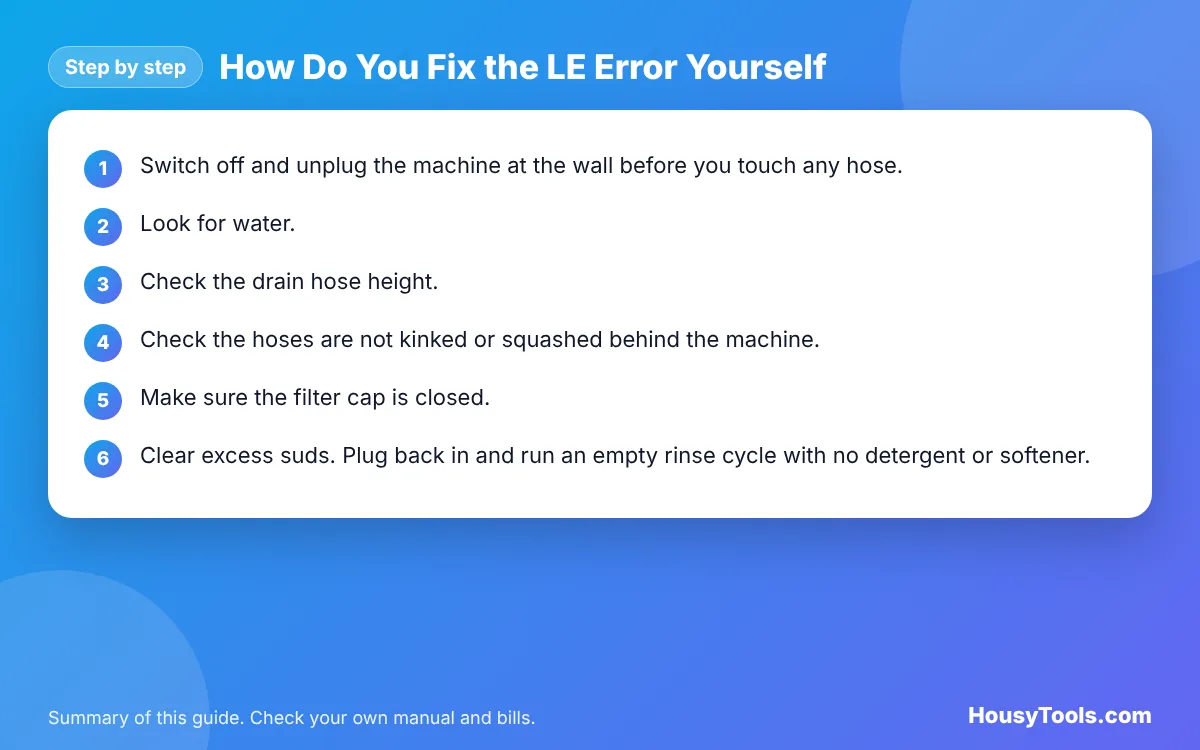
Work through these steps in order. They follow the checks in Samsung’s own support advice for leaks and the LE code.
- Switch off and unplug the machine at the wall before you touch any hose, the filter or the area underneath. Turn the water tap off as well if you can see water on the floor.
- Look for water. Check under and around the machine, at the door seal, at the detergent drawer and at the small filter door at the bottom front. Dry the floor with a towel so you can spot new drips later.
- Check the drain hose height. The end of the drain hose must not be lower than the base of the washing machine. Raise it and secure it in its hook or standpipe if it has slipped down. For drainage, Samsung UK also gives a minimum outlet height of 60 cm.
- Check the hoses are not kinked or squashed behind the machine, and that both ends of the inlet hose are hand tight.
- Make sure the filter cap is closed. If you recently cleaned the drain filter, check the cap is screwed fully home and the emergency drain hose is plugged.
- Clear excess suds. Plug back in and run an empty rinse cycle with no detergent or softener. If foam appears, keep running empty rinses until it stops, then use less detergent next time.
- Restart the programme. If you found no water and the hose is now positioned correctly, switch the machine on and start the cycle again.
Safety: Stop here if water is collecting under the machine, if the leak seems to come from inside the cabinet, or if LE returns after these checks. Do not remove the back or top panel or test internal parts yourself. Water and mains electricity together are dangerous, so leave internal leaks and sensors to a Samsung engineer or a qualified appliance technician.
When Should You Call an Engineer?
Call Samsung support or a qualified appliance technician in any of these situations:
- You can see water under the machine but cannot find an outside source such as a loose hose.
- No suds appear on an empty rinse, but the LE code still comes back. Samsung’s US support says this needs service.
- The door seal is torn or the drain filter housing is cracked.
- The code appears together with a burning smell, tripping electrics or a wet plug socket. Switch off at the wall and do not use the machine.
If the machine is still under guarantee, contact Samsung first and check your guarantee terms before booking anyone else. Have the model number from the machine’s rating label ready when you call.
Related Samsung Water Codes
The table shows codes that Samsung UK lists close to LE. If your display shows one of these instead, the fix is different.
| Code | Samsung UK meaning | First check |
|---|---|---|
| LC, LC1, LE, LE1 | Low water level detected | Drain hose height and leaks |
| 11E | Low water level detected | Drain hose height, clogs, leaks |
| 1C, 1E | Water level sensor issue | Switch off at the mains for 1 minute, restart |
| 4C, 4E | Water supply issue | Tap open, inlet hose and mesh filter |
| 5C, 5E | Water drainage issue | Drain pump filter and drain hose |
| OC, OE, OF | Overflow error | Reduce detergent, switch off for 1 minute |
| Sud | Too much foam detected | Drum clean cycle, less detergent |
If your machine shows 4C rather than LE, our guide to the Samsung 4C water supply error walks through the inlet checks. A load that will not spin evenly is covered in the Samsung UE error guide.
How Can You Stop the LE Error Coming Back?
- Fix the drain hose in place. Use the hose guide or a cable tie so the outlet cannot slide down below the base of the machine.
- Dose detergent carefully. Use a low sudsing detergent suitable for your machine and follow the pack for your water hardness and load size. Samsung suggests finding the least amount that still cleans well, and never filling past the MAX line in the drawer.
- Clean the drain filter regularly. Samsung’s US leak guide suggests checking the pump filter monthly, or every 40 washes. Unplug the machine first and put a tray and towel down.
- Check hoses regularly for bulges, cracks or damp joints, and leave a small gap behind the machine so hoses are not crushed.
- Keep the door seal clean. Samsung advises checking the seal for damage and for hair or thread caught in it, which can stop it sealing.
Running empty rinse cycles to clear suds uses extra electricity and water. To see what an extra cycle costs, enter your machine’s wattage and your unit rate into our electricity cost calculator.
Samsung LE Error FAQs
How do I reset the LE error on a Samsung washing machine?
Switch the machine off at the wall, check the drain hose is not lower than the base and look for any leak. Then switch it back on and restart the programme. The code clears if the cause has been fixed; if it returns, the fault is still there.
Can I still use my washing machine with an LE error?
Only after you have checked for leaks and corrected the drain hose. If water is pooling under the machine or the code keeps coming back, stop using it. Running a leaking washing machine risks damage to floors and ceilings below and is an electrical hazard.
Is LE the same as LC on a Samsung washer?
Yes. Samsung UK groups LC, LC1, LE and LE1 under the same meaning, low water level detected. The letters vary by model and display, but the checks are the same: drain hose height, leaks and excess suds.
Can too much detergent cause the LE code?
Yes. Samsung says excess suds from too much detergent, or the wrong type of detergent, can trigger its leakage codes. Run empty rinse cycles without detergent until no foam appears, then reduce the dose on future washes.
Why does my Samsung show LE when there is no leak?
The most likely cause is the drain hose sitting too low, so water siphons out without spilling on the floor. If the hose is correct, there are no suds and the code continues, Samsung advises booking service, as a sensor or internal part may be at fault.
Does LE mean the same on LG washing machines?
No. LG lists LE as a motor that is overloaded and locked, which is a different fault. Always check the code against your own brand’s manual, because the same two letters can mean different things on different makes.
Checked October 2026. Sources: Samsung UK: What do the codes on my washing machine mean?, Samsung US: Samsung washing machine information and error codes, Samsung US: Samsung washing machine is leaking, LG: Washer error code list.