The 5C code on a Samsung washing machine means the machine has detected a drainage problem: water is not leaving the drum as quickly as the control system expects. This guide to the Samsung washing machine 5C error explains what the code means, the checks you can safely do yourself, and the point where a qualified technician should take over.
Quick answer: 5C (also shown as 5E, or E2 on older models) means your Samsung washing machine cannot drain properly. It is usually a blocked drain pump filter or a kinked drain hose. You can safely unplug the machine, drain it, clean the filter and check the hose. If the code returns, call a technician.
What Does the Samsung 5C Error Code Mean?
5C means “water drainage issue”. Samsung lists 5C and 5E together with the same meaning on its UK washing machine error code list, and older Samsung models show the same fault as E2. Which version you see depends on the age and display of your machine, not on the severity of the fault.
When the machine shows 5C, it has tried to pump water out of the drum and the water level has not fallen in the time allowed. The cycle stops, and Samsung notes that the buttons are disabled for 3 minutes after the code appears. Waiting out those 3 minutes is normal and does not mean the machine has locked up permanently.
Samsung dishwashers also use 5C and 5E for drainage problems, so make sure you are following washing machine instructions. The checks below apply to Samsung front loading and top loading washing machines, although filter position and access door design vary by model.
What Causes the 5C Error?
Most 5C errors come from something blocking the path between the drum and your waste pipe. In rough order of how often they happen:
- Blocked drain pump filter. Lint, hair, coins, hairclips and small items such as baby socks collect in the debris filter behind the small door at the front.
- Kinked or squashed drain hose. Pushing the machine back against the wall can fold the hose behind it.
- Blanking cap left on a new spigot. If the machine was just installed and the waste connection is new, the plastic cap that seals an unused sink trap spigot may still be in place.
- Incorrect standpipe height. Samsung says a standpipe should hold the hose at least 60 cm above the floor, with no more than 150 mm of hose inside the pipe.
- Blockage inside the drain hose or waste pipe. Lint and detergent residue can build up inside the hose, the sink trap or the standpipe.
- Drain pump or electrical fault. If the filter, hose and waste are all clear, the pump itself, its wiring or the control electronics may be at fault. These need a technician.

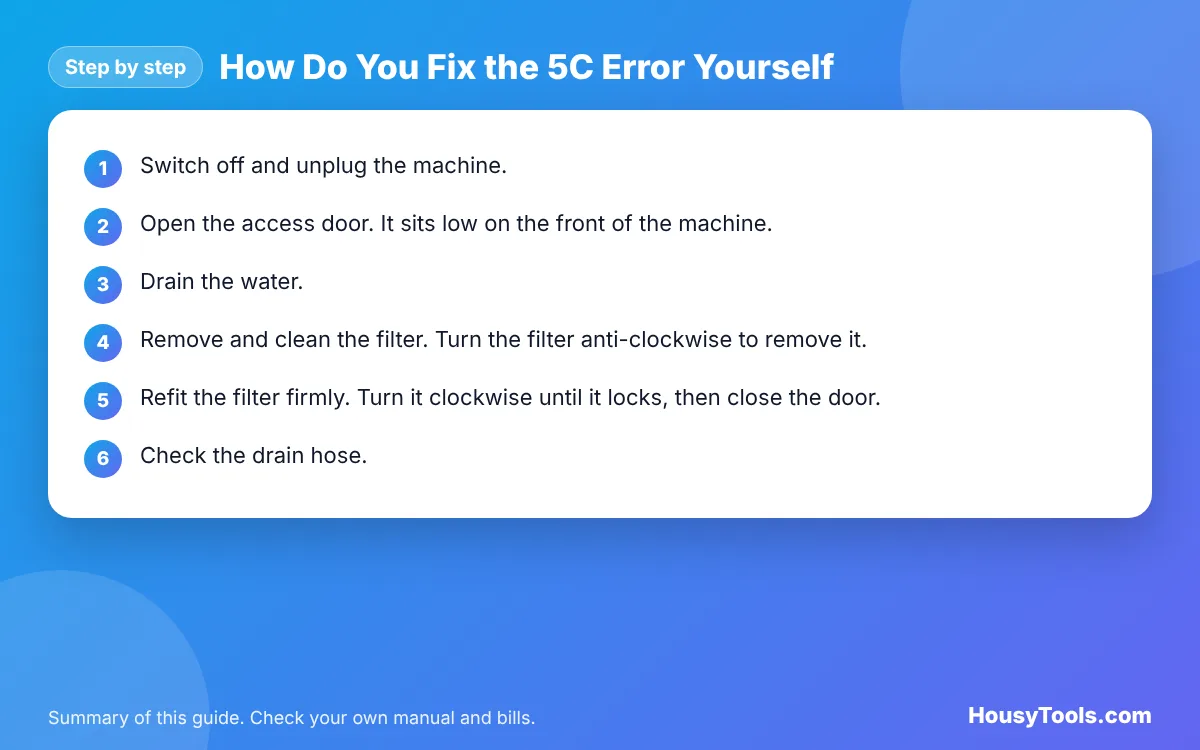
How Do You Fix the 5C Error Yourself?
The steps below follow Samsung’s own guide to resolving a 5E or 5C error. Expect water in the drum, so have towels and a shallow tray ready.
- Switch off and unplug the machine. Samsung advises unplugging before cleaning the debris filter. If you have just run a hot wash, let the water cool first, because hot water can flow out.
- Open the access door. It sits low on the front of the machine. Depending on the model, press it firmly or use a coin to release it.
- Drain the water. Lay a towel down, pull out the small emergency drain hose, hold the end over your tray and remove its cap. Empty the tray as often as needed, then refit the cap and clip the hose back.
- Remove and clean the filter. Turn the filter anti-clockwise to remove it. Pick out any debris, rinse the filter in warm water and wipe the recess with a damp cloth.
- Refit the filter firmly. Turn it clockwise until it locks, then close the door. Samsung warns that a missing or loose filter or drain cap can cause leaks or a malfunction.
- Check the drain hose. Ease the machine forward and look for kinks, folds or crushed sections behind it. Straighten the hose so it runs smoothly to the waste.
- Check the waste connection. On a new sink trap spigot, make sure the blanking cap has been removed and the hose is pushed on fully with its clip tightened. On a standpipe, keep the hose at least 60 cm above the floor with no more than 150 mm inside the pipe.
- Clear the hose if needed. With the machine still unplugged, detach the drain hose at both ends and clear any blockage, then reconnect it securely.
- Test it. Plug in, switch on and run a Rinse and Spin or a short programme with no laundry. If the water drains and no code appears, the fault is fixed.
Safety: Always switch off and unplug the washing machine before touching the filter or hoses, and never open the filter during a cycle. Stop at the filter, hose and waste checks above. Do not remove the casing, test the pump or touch wiring or circuit boards: these jobs need a qualified appliance technician or Samsung’s own service.
When Should You Call an Engineer?
Call a qualified technician, or contact Samsung support if the machine is under warranty, in any of these situations:
- The filter, hose and waste connection are clear but 5C still appears.
- You cannot hear the pump running when the machine tries to drain, or it makes a loud grinding or humming noise.
- The filter will not unscrew, or you can see damage to the filter housing.
- Water leaks from under the machine after you refit the filter.
- The waste pipe or sink trap is blocked beyond what you can reach, in which case a plumber may be the right person.
Check your warranty before booking an independent repair, because opening the machine yourself or using an unauthorised repairer can affect cover. Repair prices vary widely by model and area, so ask for a quote before work starts.
Which Samsung Codes Are Related to 5C?
The table lists water and drum codes from Samsung’s UK code list that are often confused with 5C.
| Code | Samsung’s meaning | First check |
|---|---|---|
| 5C, 5E, E2 | Water drainage issue | Drain pump filter and drain hose |
| 4C, 4E, E1 | Water supply issue | Taps on, inlet hose not kinked |
| OC, OE, OF, E3 | Overflow error | Stop use and contact a technician if it persists |
| LC, LE, E9 | Low water level detected | Water supply and hoses |
| Sud | Too much foam is detected | Use less detergent next wash |
| UE, Ub, Ur, E4 | Load in the drum is unbalanced | Redistribute the laundry |
| dC, dE | Door issues | Close the door fully, check for trapped items |
If your machine is showing a supply fault instead, see our guide to the Samsung 4C error code. A machine that drains but will not spin properly may be showing the Samsung UE error code instead.
How Can You Stop the 5C Error Coming Back?
- Clean the debris filter regularly. Samsung suggests roughly every 30 to 40 loads, or every 2 to 3 months. Your manual may give a different interval for your model.
- Empty pockets. Coins, keys, tissues and hairclips are common filter blockers.
- Use a wash bag for small items. Socks, underwear and bra wires can slip into the pump area.
- Leave room behind the machine. Push it back gently and check the hose is not folded.
- Brush off pet hair first. Heavy fur on bedding and towels clogs filters quickly.
- Dose detergent correctly. Too much detergent creates foam, which can trigger Sud and slow draining.
Every failed cycle you repeat uses more water and electricity. If you want to see what an extra wash adds to your bill, the electricity cost calculator works it out from your machine’s wattage and your unit rate.
Samsung Washing Machine 5c Error FAQs
Is 5C the same as 5E on a Samsung washing machine?
Yes. Samsung lists 5C and 5E with the same meaning, a water drainage issue. Older Samsung models show the same fault as E2. The fixes are the same: clean the drain pump filter and check the drain hose and waste connection.
How do I reset a Samsung washing machine after a 5C error?
Clear the cause first, because a reset alone will not drain the drum. Switch off, unplug the machine for a few minutes, clean the filter and check the hose, then switch on and run a Rinse and Spin. If the water drains, the code clears.
Why are the buttons not working after the 5C code appears?
Samsung says the buttons are disabled for 3 minutes after a 5C or 5E code appears. Wait for that time to pass, then switch off and unplug the machine before you start cleaning the filter or checking the drain hose.
Where is the filter on a Samsung washing machine?
On most Samsung front loaders, the debris filter sits behind a small access door at the bottom front of the machine, next to a short emergency drain hose. Positions differ by model, so check your user manual if you cannot find it.
Can a new installation cause a 5C error?
Yes. A blanking cap left on a new sink trap spigot blocks the water completely. A standpipe set too low or with too much hose pushed inside can also cause drain problems. Samsung recommends at least 60 cm height and no more than 150 mm of hose in the pipe.
Can I still use my machine with a 5C error?
Not until the cause is fixed. The machine cannot finish a cycle while water stays in the drum, and repeated attempts waste water and energy. Drain the drum, clean the filter and check the hose, and call a technician if the code keeps returning.
Checked October 2026. Sources: Samsung UK: How to resolve a 5E or 5C error code on a washing machine, Samsung UK: What do the codes on my washing machine mean?, Samsung: Debris filter cleaning for washing machines.