To reset a washing machine, you switch it off, unplug it or turn off its circuit, wait 1 to 5 minutes, and then reconnect it, which clears most control panel glitches on any brand. This guide explains how to reset a washing machine safely, the button sequences some manufacturers add, why the door may stay locked afterwards, and when a reset is the wrong fix because an error code is pointing to a real fault.
Quick answer: Switch the machine off, unplug it at the wall or turn off its circuit, and wait 1 to 5 minutes before reconnecting. This power cycle clears most control glitches. Some brands add a button sequence, such as LG’s power then start hold. If an error code returns, fix the cause instead of resetting again.
Is there a reset button on a washing machine?
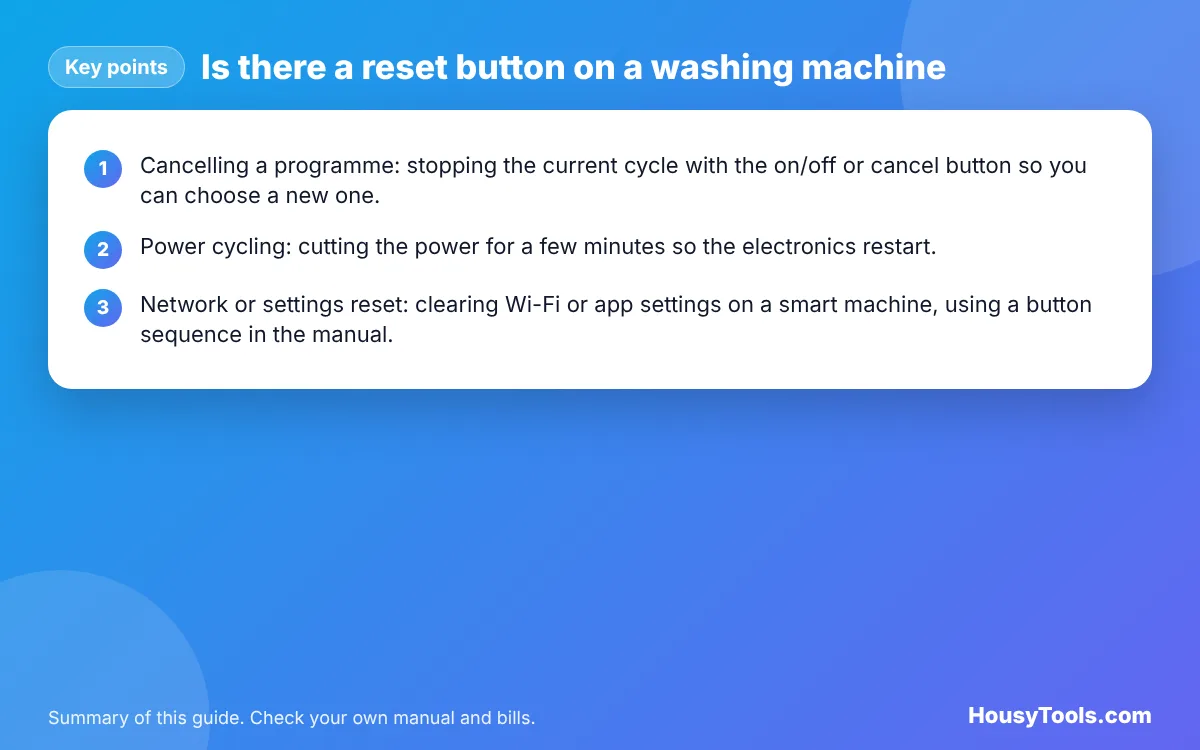
Most household washing machines have no single reset button, so “resetting” usually means one of three different things. It helps to know which one you need before you start.
- Cancelling a programme: stopping the current cycle with the on/off or cancel button so you can choose a new one. The machine may drain before it lets you open the door.
- Power cycling: cutting the power for a few minutes so the electronics restart. This is what most people mean by a reset, and every manufacturer we checked describes it.
- Network or settings reset: clearing Wi-Fi or app settings on a smart machine, using a button sequence in the manual. It does not fix mechanical or drain faults.
How do you reset a washing machine by power cycling?
A power cycle takes about 5 minutes and is the safest reset on any machine. Samsung’s Canadian support page on resetting a Samsung washer says to disconnect the power for about 1 minute, while Samsung’s Gulf guide gives 1 to 5 minutes. LG suggests 1 to 2 minutes for a frozen control panel.
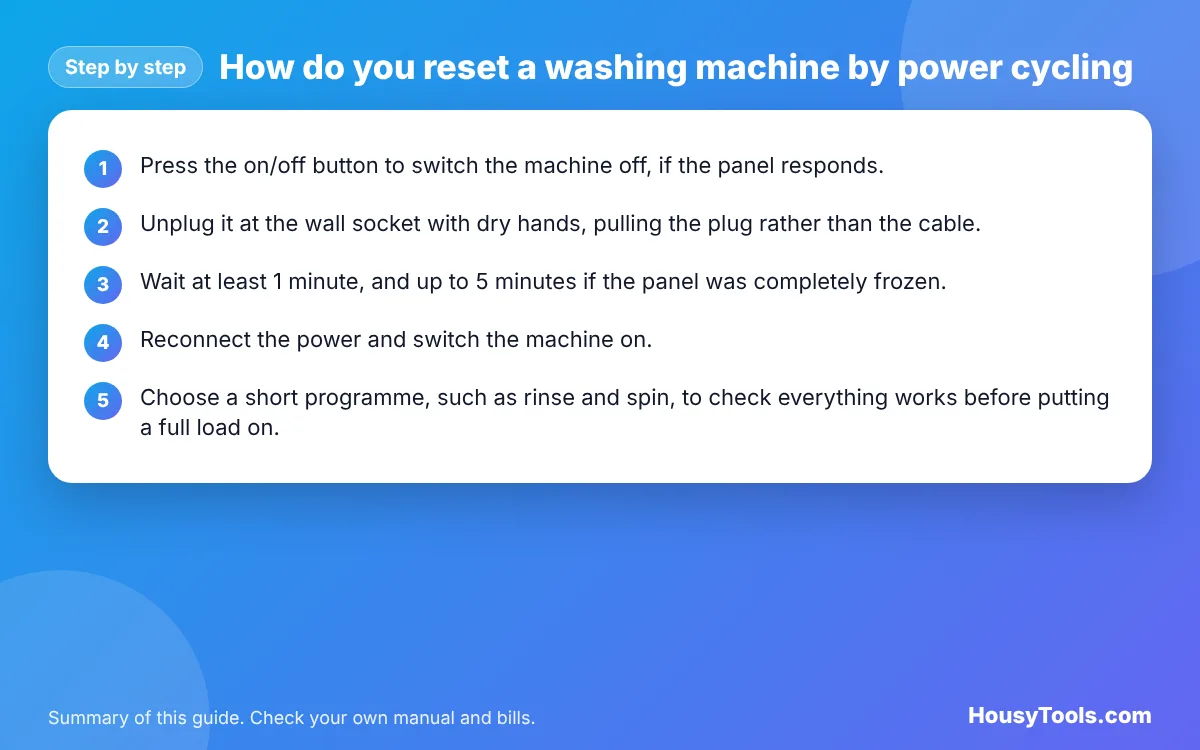
- Press the on/off button to switch the machine off, if the panel responds.
- Unplug it at the wall socket with dry hands, pulling the plug rather than the cable. If the socket is hard to reach, switch off the fused spur or the machine’s own circuit at the consumer unit instead.
- Wait at least 1 minute, and up to 5 minutes if the panel was completely frozen.
- Reconnect the power and switch the machine on.
- Choose a short programme, such as rinse and spin, to check everything works before putting a full load on.
If a programme was running, the machine may resume, drain or show a code when power returns. That is normal. Do not try to force the door while there is water in the drum.
Safety: Only use the plug, the switched socket or the circuit switch. Never open the casing, touch wiring or try to bypass the door lock. If the plug, socket or cable is scorched, smells of burning or the circuit trips again, stop using the machine and call a qualified electrician or appliance technician.
How do you reset each brand of washing machine?
Every brand accepts a simple power cycle, and two of the big brands publish extra button sequences on their support pages. Exact buttons differ between models, so treat this table as a starting point and check your user manual.
| Brand | Reset method published by the manufacturer | Notes |
|---|---|---|
| Samsung | Unplug or switch off the circuit for about 1 minute (1 to 5 minutes in some regional guides) | Wi-Fi models: hold Smart Control about 3 seconds until AP shows, then Temp about 7 seconds until OK shows, to reset network settings |
| LG | Switch off, unplug and turn off the circuit, hold power for 5 seconds, then hold start for 5 seconds, then reconnect | For a frozen panel, unplug for 1 to 2 minutes |
| Bosch | Power cycle; to start a programme press and hold start for about 1 to 2 seconds | Holding start too long gives a double beep and the programme will not start |
| Any other brand | Switch off, unplug for 1 to 5 minutes, reconnect | See the user manual for model specific sequences |
The Bosch detail matters because some owners think their machine needs resetting when the start button simply was not held correctly. Bosch’s support page on a machine not starting explains that a deliberately longer press is a safety feature against accidental starts.
When should you not reset a washing machine?
Do not reset more than once when an error code returns, because the code is telling you about a real problem. LG’s guide on how to reset a washing machine says not to reset when error codes are displayed, or when there is physical damage or a leak. Samsung warns that repeated resets can erase the error history, which makes it harder for a technician to diagnose the fault.
Samsung gives a clear example: a water supply code such as 4C may disappear after a reset, but it will come back because the cause has not been fixed. Our guide to the Samsung 4C error code explains those checks. Samsung also notes that after a 5C or 5E drain error, the buttons are disabled for 3 minutes, so pressing them immediately can look like a frozen panel when it is working as designed.
Before resetting, check the simple causes first:
- Is the water tap fully open and the fill hose free of kinks?
- Is the door shut until it clicks, with no clothing caught in the seal?
- Is the child lock on? Most panels show a padlock or key symbol.
- Is the drum overloaded or the load bunched up on one side?
- When did you last clean the pump filter? A blocked filter causes drain codes that no reset will clear.
Why is the door still locked after a reset?
The door often stays locked for a few minutes after a cycle or a reset, because some models delay unlocking for safety, and a machine that has not drained will keep the door shut. LG’s advice is to make sure the cycle has finished and the machine is off, wait a few minutes, and if it is still stuck, unplug it and wait 5 minutes before trying again.
If you can see water in the drum, the machine has not drained. Run a drain or spin programme if the panel allows it. If it cannot drain, the pump filter or drain hose is the likely cause, and you can drain the water through the filter flap with the machine unplugged. Bosch lists a door lock fault as a repair for a qualified engineer, so never lever the door or reach behind panels.
What does a failed reset cost you?
A wash that stops halfway usually has to be run again, so each failed cycle roughly doubles the electricity for that load. The figures are small per wash but worth knowing when deciding whether to keep trying or book a repair.
Example: a washing machine label shows 60 kWh per 100 cycles, or 0.6 kWh per wash. At the October to December 2026 price cap average of 26.32p per kWh, one wash costs about 15.8p. In the electricity cost calculator, entering 600 W for 1 hour a day and 3 days a week shows the cost of 3 washes a week: about 47p a week, or roughly £24.60 a year. If a glitch means one of those washes is rerun every week, the extra is about 15.8p a week, or around £8.20 a year, plus water and detergent. That is a good reason to fix the cause rather than keep resetting.
If you want to compare the machine against other appliances in your home, the energy bill calculators use the same price cap figures.
What should you do if a reset does not work?
If one power cycle does not help, follow the error code rather than resetting again. LG suggests cleaning the filter and drum next and then looking up the error code on its support site. Write down the exact code, the programme you were running and what happened just before, because that information helps the manufacturer or technician.
- Look up the code in your user manual or on the manufacturer’s support site.
- Carry out only the owner checks the manual allows, such as the filter, hoses, tap and loading.
- Run a short test programme.
- If the code returns, contact the manufacturer or a qualified appliance technician, especially if the machine is under warranty.
How to Reset a Washing Machine FAQs
How long should I unplug a washing machine to reset it?
About 1 minute is enough for most machines, according to Samsung, and LG suggests 1 to 2 minutes for a frozen control panel. If the panel was completely unresponsive, waiting up to 5 minutes does no harm before you plug it back in.
Will resetting a washing machine clear the error code?
A reset often clears the code from the display, but it does not fix the cause. If the problem is a blocked filter, a closed tap or a kinked hose, the same code will return on the next cycle. Fix the cause first, then reset once if needed.
Can I reset a washing machine in the middle of a cycle?
Yes, but the drum may still hold water and the door will stay locked until it drains. After power returns, the machine may resume or ask you to choose a programme. Running a drain or spin programme is the tidiest way to finish.
Does resetting a washing machine delete my settings?
A simple power cycle normally keeps your saved settings. A network reset on a smart machine clears its Wi-Fi connection, so you would need to reconnect it in the app. Some models may behave differently, so check your manual.
Why are my washing machine buttons not working?
The child lock may be on, the panel may be wet or dirty, or the machine may be in a short lockout after an error. Samsung disables buttons for 3 minutes after a 5C or 5E drain error. Check for a lock symbol, dry the panel, then try a power cycle.
Is it safe to reset a washing machine at the fuse box?
Switching off the machine’s own circuit at the consumer unit is a safe alternative to unplugging, and both Samsung and LG mention it. If that circuit keeps tripping when the machine runs, stop using it and call a qualified electrician or appliance technician.
Checked October 2026. Sources: LG UK: How to reset a washing machine, Samsung: How to reset your Samsung washer, Samsung: Washing machine reset guide, Samsung UK: How to resolve a 5E or 5C error code, Bosch UK: Not starting programme, Bosch UK: Door not opening or closing, Ofgem: Energy price cap unit rates.